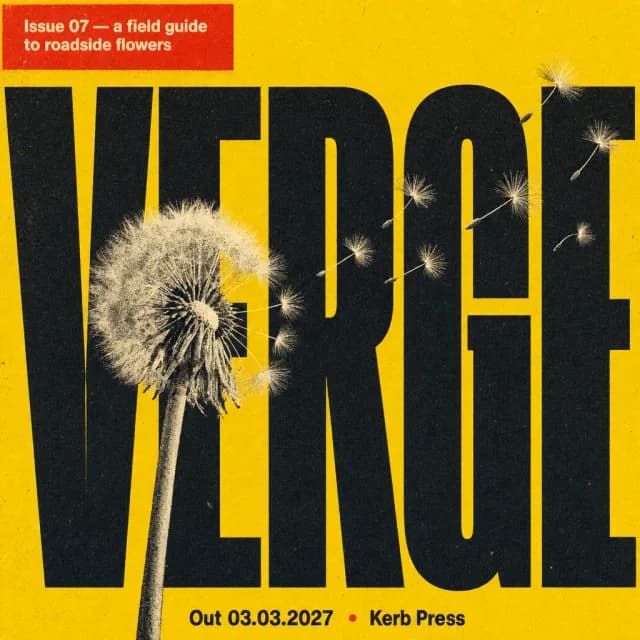
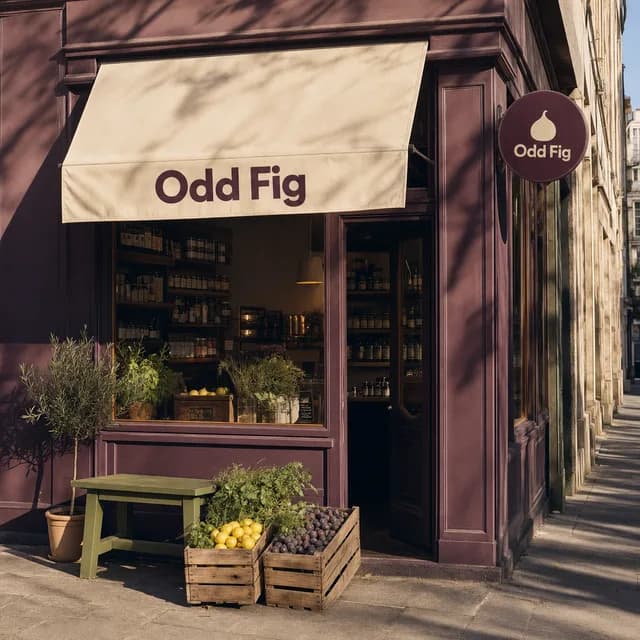
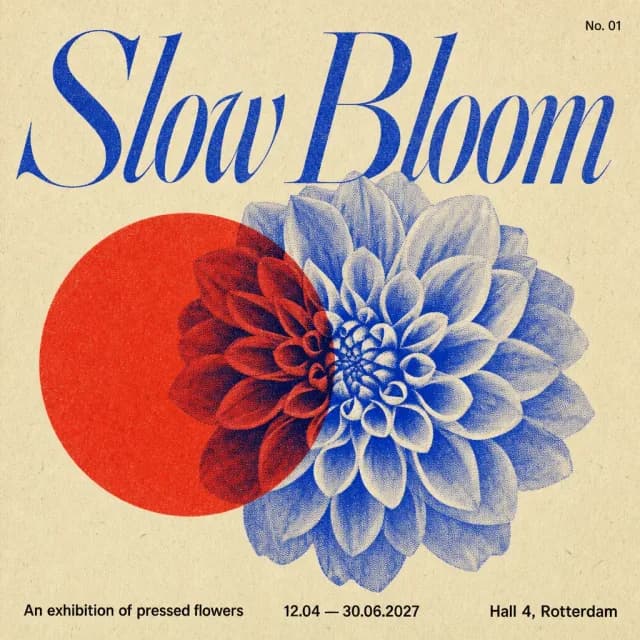
From a saved reference to a finished campaign, with your brand in the room.
- 02
Create collections your agent can read
Group what you save by campaign, mood or client. Each collection is a direction your agent can open, search and read.
- 03
Your agent already knows your brand
Ask in plain words. Your agent studies the collection, checks it against your Brand Kit and proposes the campaign.
A Brand Kit it can read: Colours, fonts, logos and photography, with rules for the kit and for each collection inside it. Your agent checks the kit before it makes anything.
Skills that get sharper: A skill is a playbook for a job you repeat. Refine one in conversation and your agent saves the better version for everyone in the workspace. The previous one is kept.
- 04
The whole campaign, from one ask
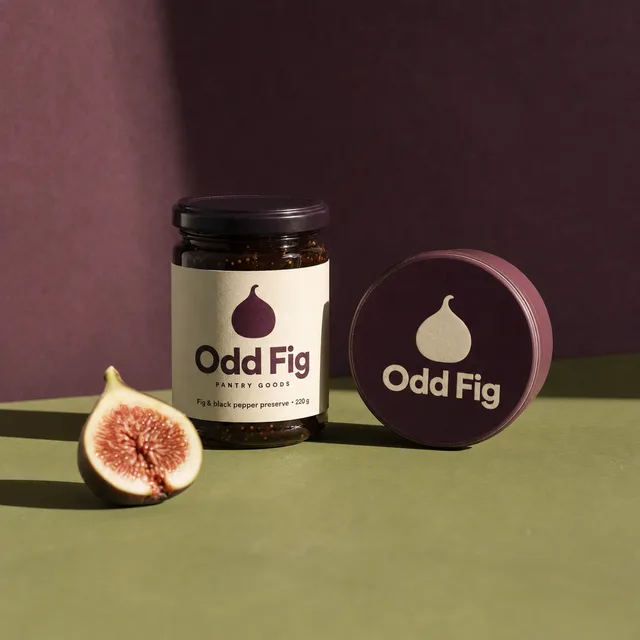
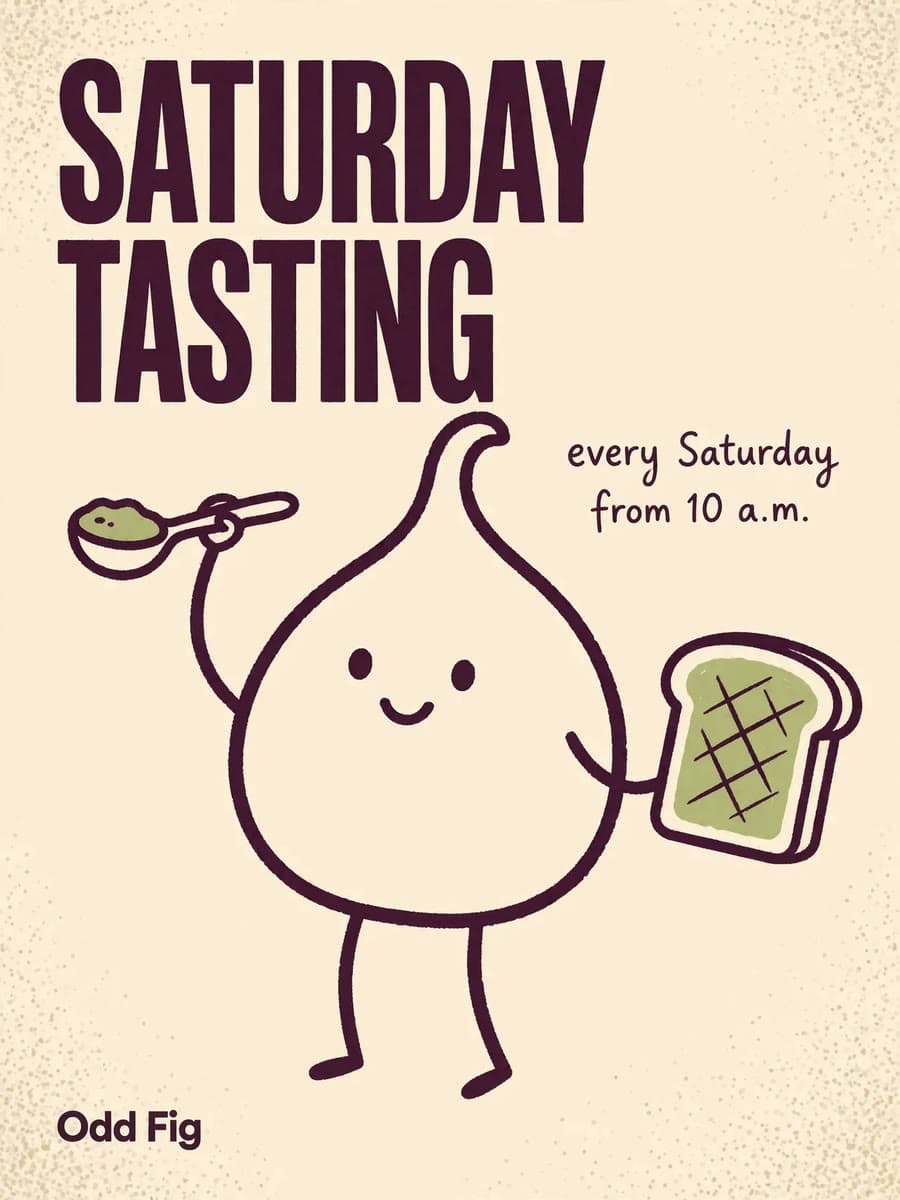
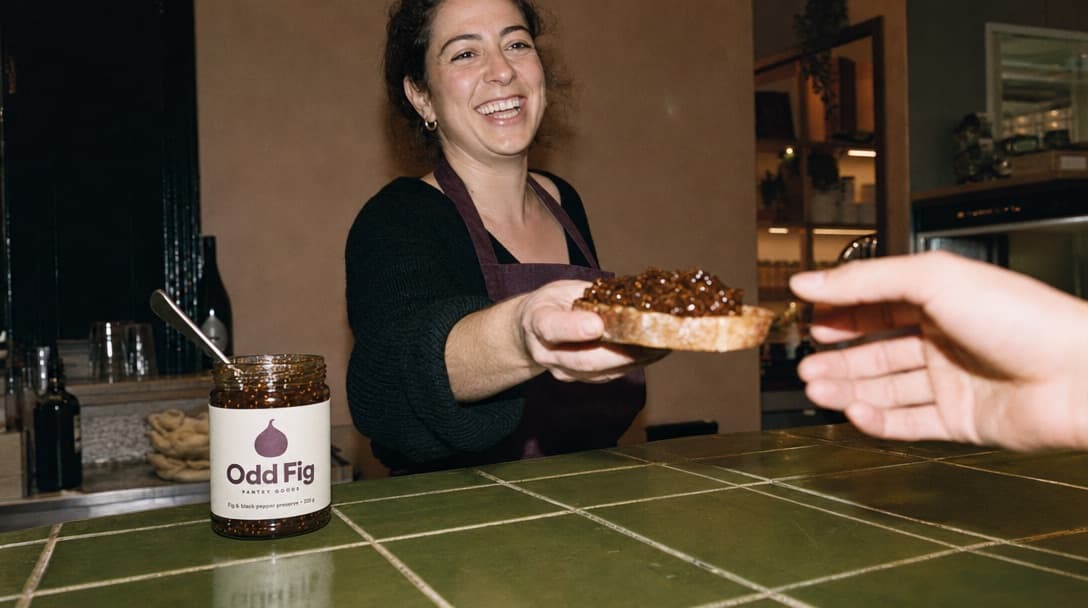
A poster, a product still and a creator clip, each made with the model that fits the shot and filed in your project.
Nothing spends without your yes: Your agent quotes the credits for every image and clip. Only your confirmation starts the run.
Every picture is a starting point.
On the Studio canvas, wire a picture to what you want next: a poster, a candid, a tile for the feed, a clip. Each is made by the model that suits it and keeps the brand it came from. Ask your agent for the whole chain, or build it yourself, node by node, when a shot needs more precision than one ask gives.
Drag the pictures. The wires follow.
 Nano Banana 2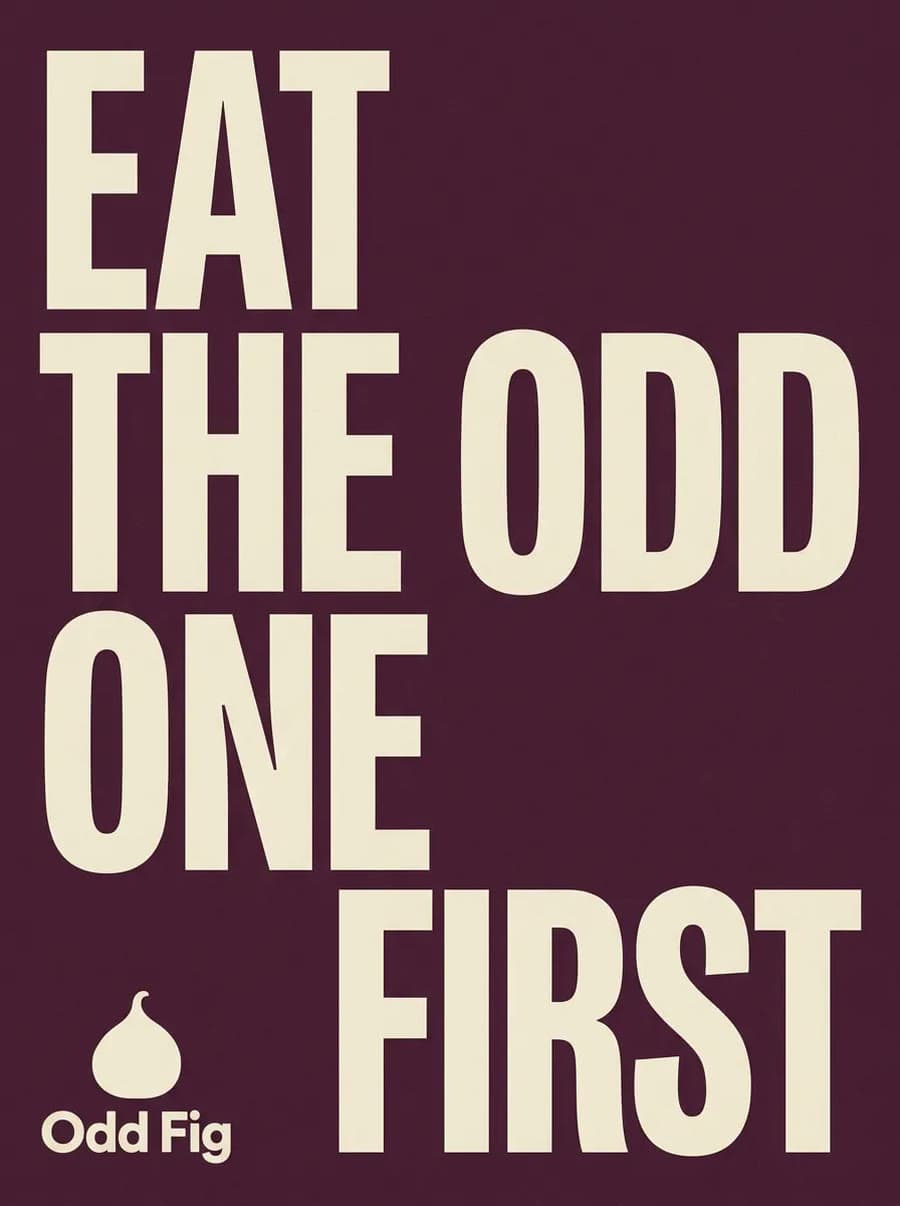
 Kling 3.0
- Nano Banana 2
- Nano Banana 2.1
- Nano Banana Pro
 GPT Image 2
- GPT Image 2.5 Flare
- GPT Image 2.5 Sunburst
 Seedream 4.5
- Seedream 5.0 Pro
 Muse Image
 Recraft V4.1
 Krea 2 Turbo
- Krea 2
 Soul 2
- Kling 3.0
- Kling 3.0 Omni
- Kling 3.0 Turbo
- Kling 3.0 Motion Control
 MiniMax H3
- MiniMax H3 Max
- MiniMax H3 Max Turbo
 Google Veo 3.1 Lite
 WAN 2.2
- Wan 2.7
- Seedance 2.5
- Seedance 2.0
- Genjutsu
- Genjutsu Object Swap
- And more
The most advanced image and video models, on one balance.
Pick the model for each shot or let your agent choose. One credit balance covers all of them, so there is no stack of subscriptions to manage.
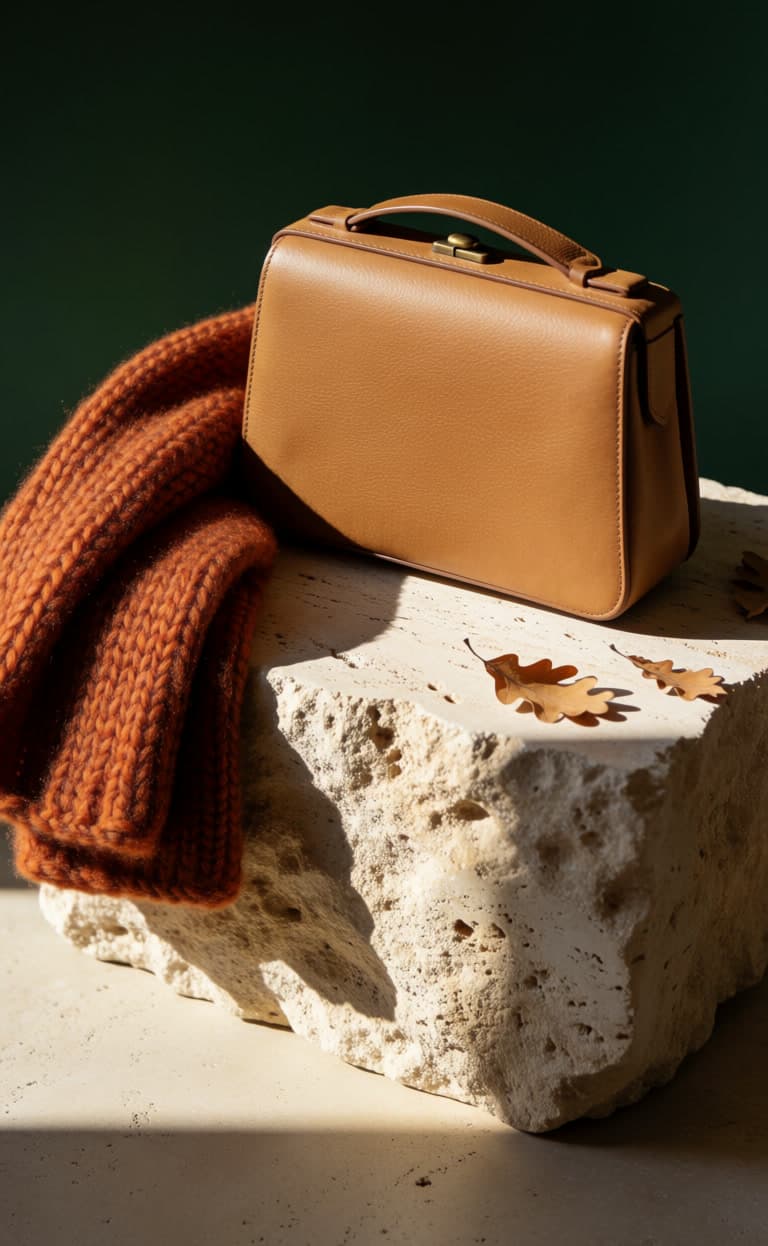
Image
Krea 2
The product still. The poster and the creator clip start from it.
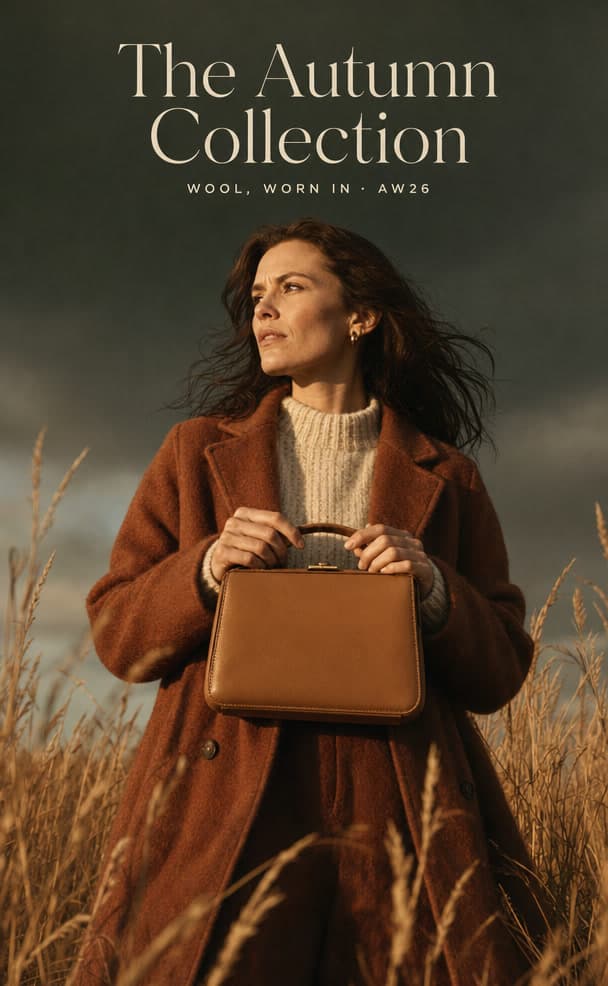
Image
GPT Image 2
The campaign poster. The model set the lettering itself.
Video
Kling 3.0The creator clip, made from a single frame of the same bag.
Video
Seedance 2.5Up to 30 seconds with sound. Keeps character faces.
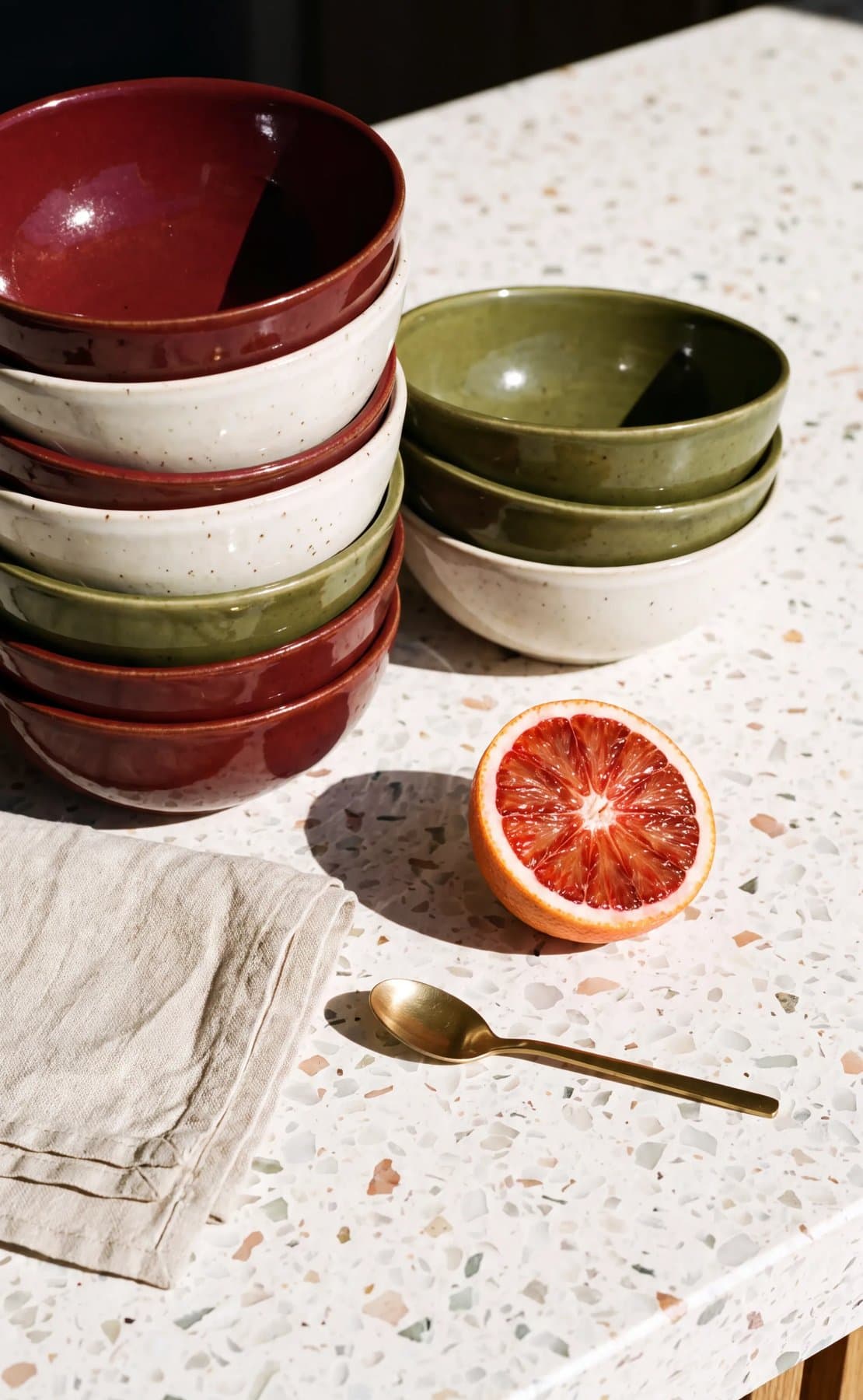
Image
Nano Banana ProGoogle's flagship image model. This still was made at 4K.
Video
Seedance 2.0A single still, set in motion at 4K.
Every campaign stays in your workspace, searchable and reusable.
 Claude
- ChatGPT
 Cursor
 Memo Studio
- InspirationWhat you save, in collections
- Brand KitColours, fonts, logos, rules
- SkillsPlaybooks your agent follows
- ProjectsEvery result, filed and searchable
- Nano Banana
- GPT Image
- Seedream
- Kling
- Seedance
- Veo
Memo sits between your agent and the models.
Your agent brings the conversation. The models bring the pixels. Memo brings the brand, and keeps it there from one campaign to the next.
Works with
Build from your library, in the tools you already use.
Your agent retrieves the reference. You keep working where you already work.
Agents
Connect once over MCP. Your agent searches your collections and Brand Kit without leaving the conversation.
- Claude
- Codex
- Cursor
 Antigravity
 VS Code
 Terminal
Design tools
The reference your agent finds lands in the file you are already working on.
 Figma
Figma Paper
Paper Framer
 Webflow
 Canva
Canva
Generate and write
What you saved informs the next prompt, page or doc.
 Midjourney
 Higgsfield
 Notion
 Google Docs
- And moreAny app that speaks MCP
FAQ