Official starters
Start with the shipped Character Sheet and Aspect Ratio Converter recipes, each with example output and a tuned default setup.
A Memo Workflow packages the parts of a generation setup that should stay stable—the input slots, fidelity rules, prompts, outputs, model options, and dependencies—while leaving the new subject or campaign context open for the next run.
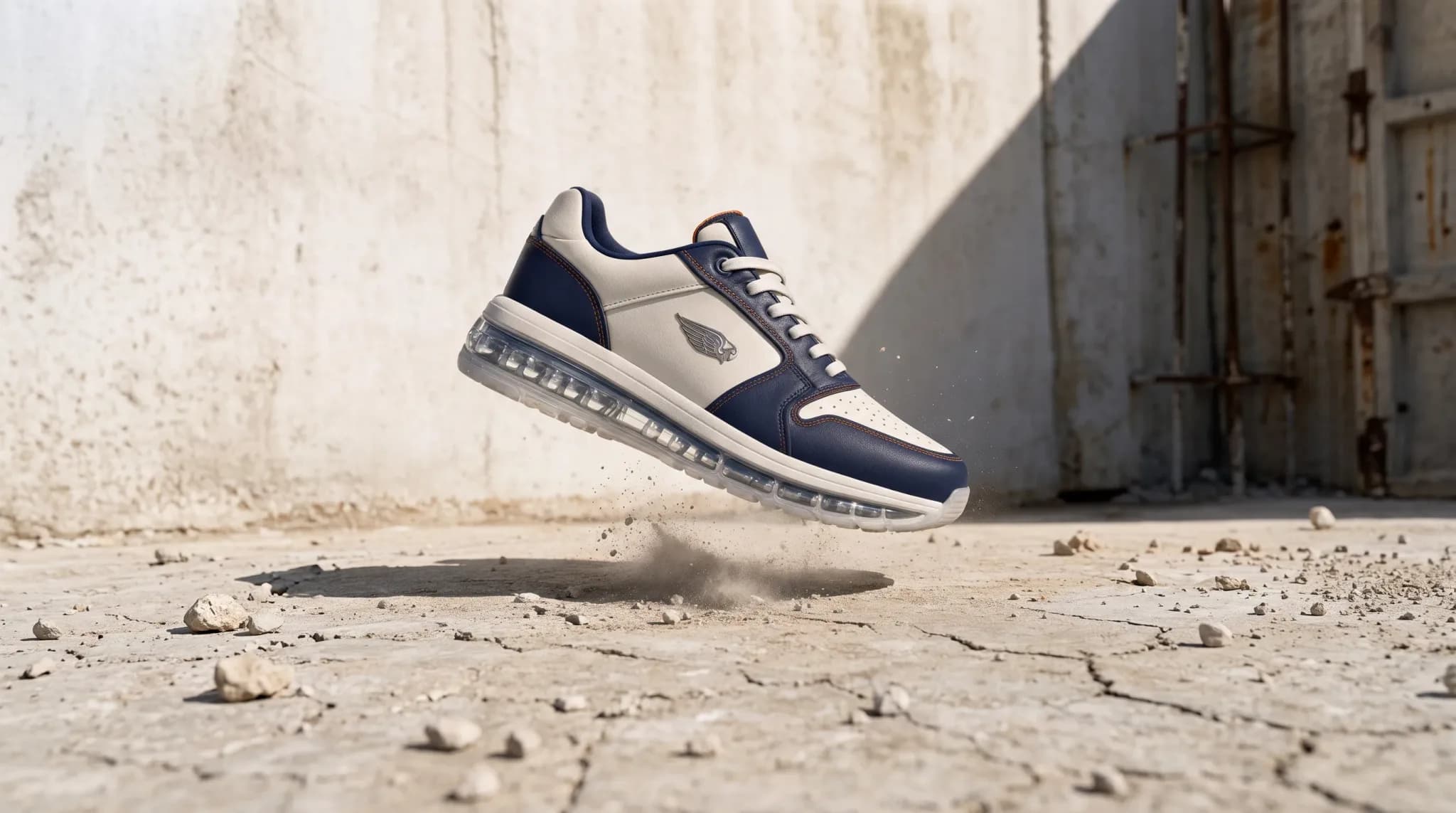
Convert one image into every platform ratio by extending the frame — never cropping.
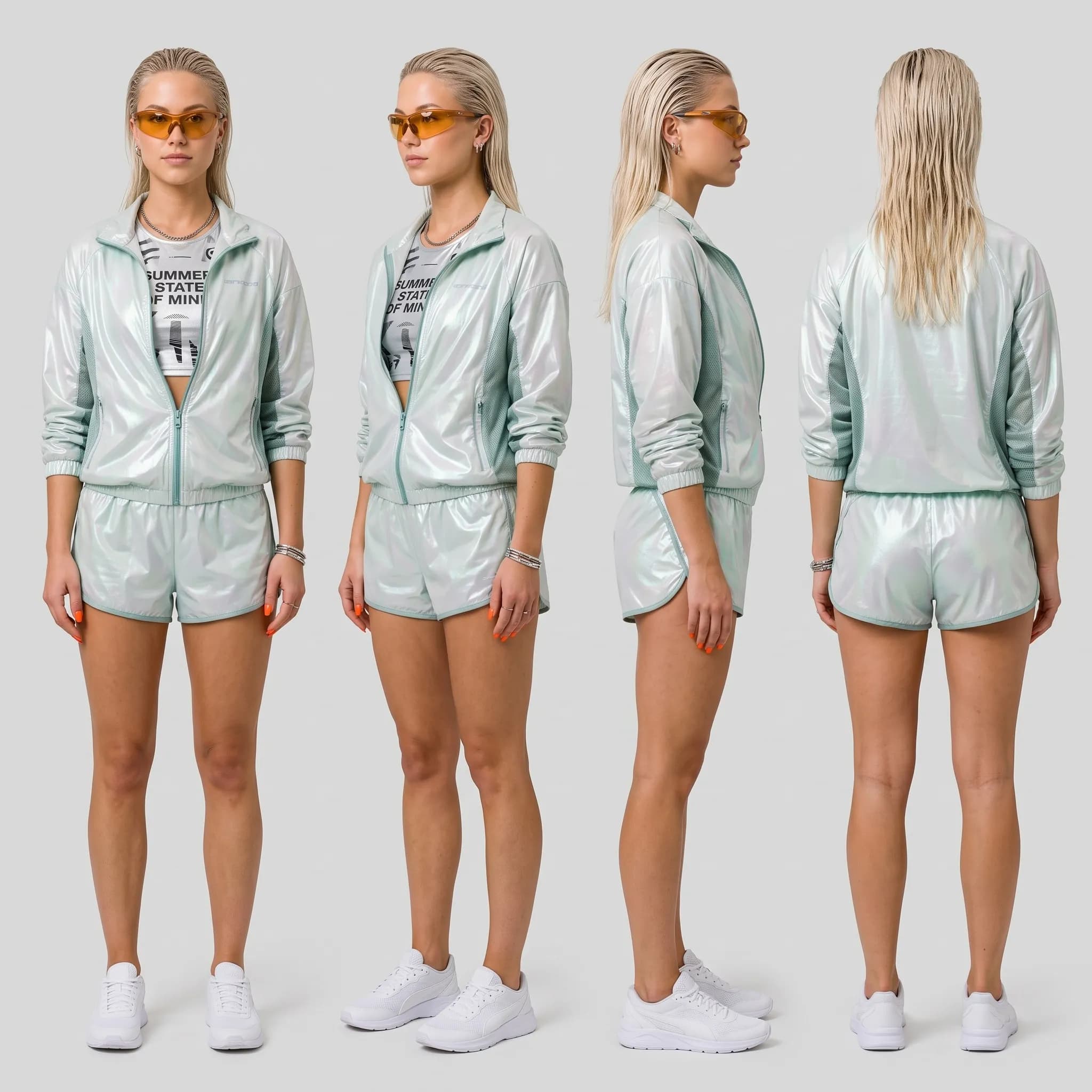
Turn one character image into a complete, consistent production reference pack.
Workflows are executable recipes, not one-click magic. Before a run, you can see the references it needs, the outputs it will make, the model it will use, and the credits it will reserve. Afterward, the inputs and results remain together in run history.
Save a working Studio setup as a Workflow, then refine it through Setup, Inputs, and Outputs. Each reference gets a fidelity role, each output keeps its prompt and format, and later outputs can explicitly build from earlier results.
Convert one image into 9:16, 16:9, 4:5, 3:4 and 1:1 by generatively extending the frame — never cropping.
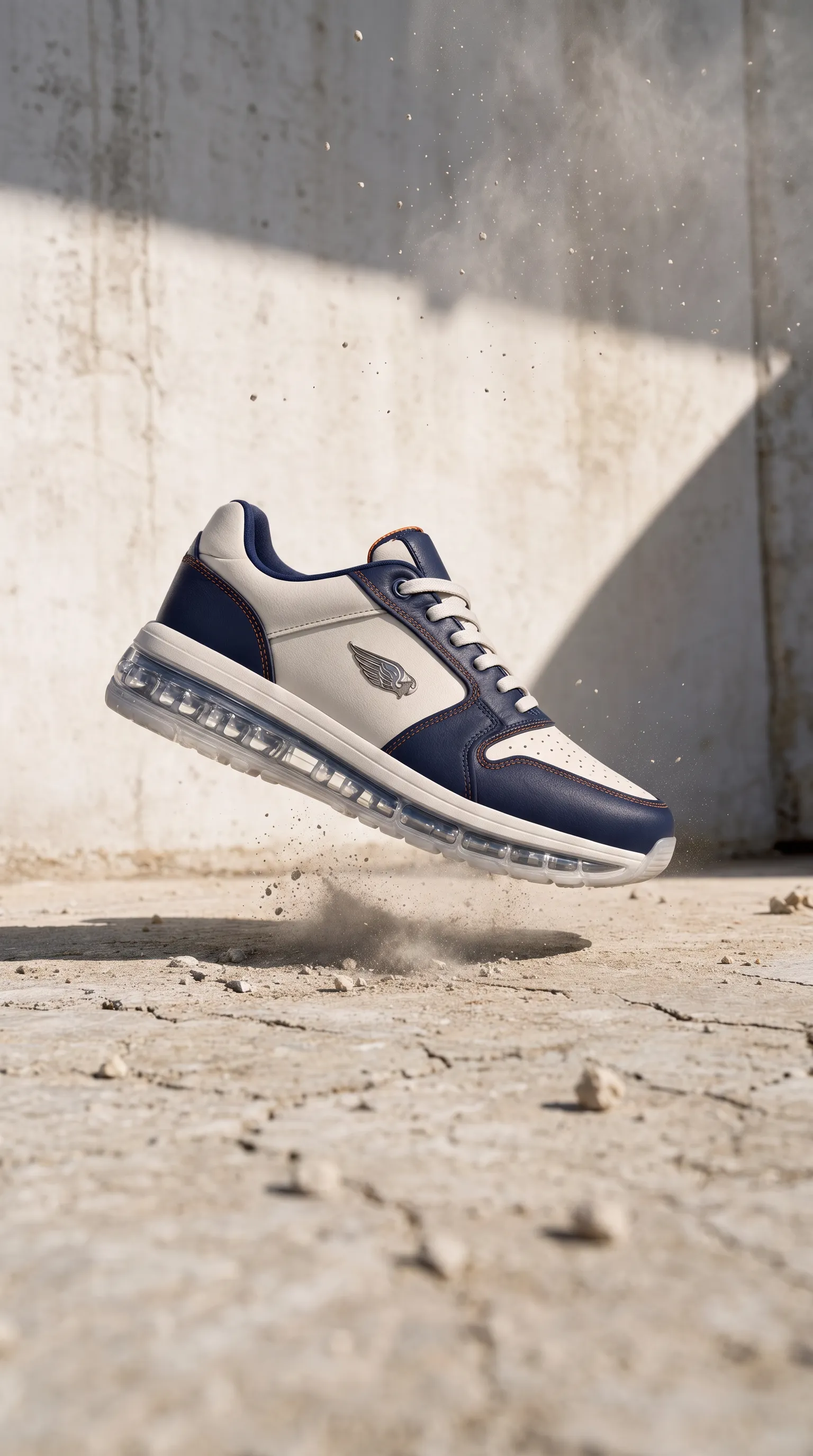

The run panel prices the current configuration before generation. Select only the outputs you need, choose among the models the Workflow has been tested on when offered, and see dependencies that must remain included.
Convert one image into 9:16, 16:9, 4:5, 3:4 and 1:1 by generatively extending the frame — never cropping.
A Workflow page keeps its past runs newest first, including the input references. Each result can be viewed, downloaded, deleted, or saved to Assets; character Workflows can file a whole run as one reusable character collection.
Convert one image into 9:16, 16:9, 4:5, 3:4 and 1:1 by generatively extending the frame — never cropping.

A concrete inventory of the controls and behaviors available on this surface today.
Start with the shipped Character Sheet and Aspect Ratio Converter recipes, each with example output and a tuned default setup.
Tell Memo whether an input must be preserved exactly, used for style only, or kept recognizable as the subject.
Pass the result of an earlier scene into a later one when identity, composition, or story continuity depends on it.
Untick outputs you do not need. Memo generates and charges only for the valid selection and its required dependencies.
Inspect the exact composed prompt—creative direction, rules, and role instructions—before saving the recipe.
Authorized agents can list available Workflows, inspect their reference slots, estimate a run, and execute only after explicit confirmation.